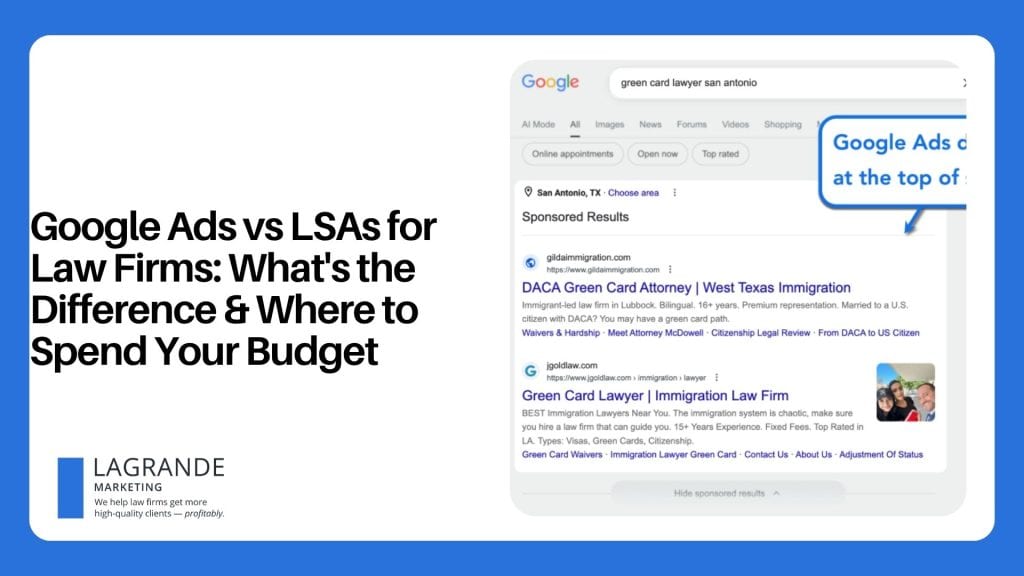
Local Service Ads for Lawyers: A Guide to More Calls, Cases, and Clients

To secure a steady stream of high-quality leads, law firms need to build two things: trust and visibility.
Google Local Service Ads can help you on both fronts.
As competition for local cases intensifies, capturing the top placement in search results becomes essential for any law firm.
This guide will show you how to implement a streamlined advertising pipeline that jump-starts your local search visibility while ensuring better campaign cost-efficiency.
Why Law Firms Can’t Ignore Local Services Ads Anymore
Let’s start with what makes Local Service Ads (LSAs) different from Google Ads.
Unlike a regular Google Ads campaign that charges you per click, LSAs only charge you when a prospect reaches out to you directly.
That’s the difference between Pay-Per-Click (PPC) and Pay-Per-Lead (PPL) in a nutshell.
You can rest easy knowing you don’t pay for clicks that don’t get anywhere. Rather, your advertising budget will only be spent on prospects who are actually interested in hiring your firm.
Aside from the cost-efficiency advantage, here are the other key reasons why LSAs are no longer optional for law firms:
- Secure digital real estate: Through LSAs, vetted firms sit comfortably at the very top of search results, outranking paid ads and local map packs. Securing this premium real estate ensures you get the attention of potential leads who urgently need legal help.
- Build instant trust and credibility: LSA listings include a bright green “Google Verified” badge that reassures clients that you’re a reputable firm. This serves as an immediate stamp of authority that people look for before calling a firm.
- Capitalize on high-intent leads: LSAs attract prospects who are ready to have a phone conversation with a lawyer, not just browse for general legal information or blog articles. These are people with transactional intent, which means they’re easier to convert into signed retainers.
- Gain local competitive advantage: Successfully securing an LSA placement will naturally push local competitors lower on the search page. This is more obvious on smaller phone screens, which potential clients typically use when searching for a law firm in their area.
How to Run LSA Campaigns for Law Firms
Running a successful LSA campaign is not a hands-off marketing project.
The firms that dominate the top spots are actively managing tight back-office workflows to maintain their LSA rankings. Of course, there are other parts of LSA campaigns that demand your focus:
1. Getting Your “Google Verified” Badge
To get your “Google Verified” badge, get started by signing up here. This involves a few steps, like linking your Google Business Profile, completing the business eligibility check, and creating your profile.
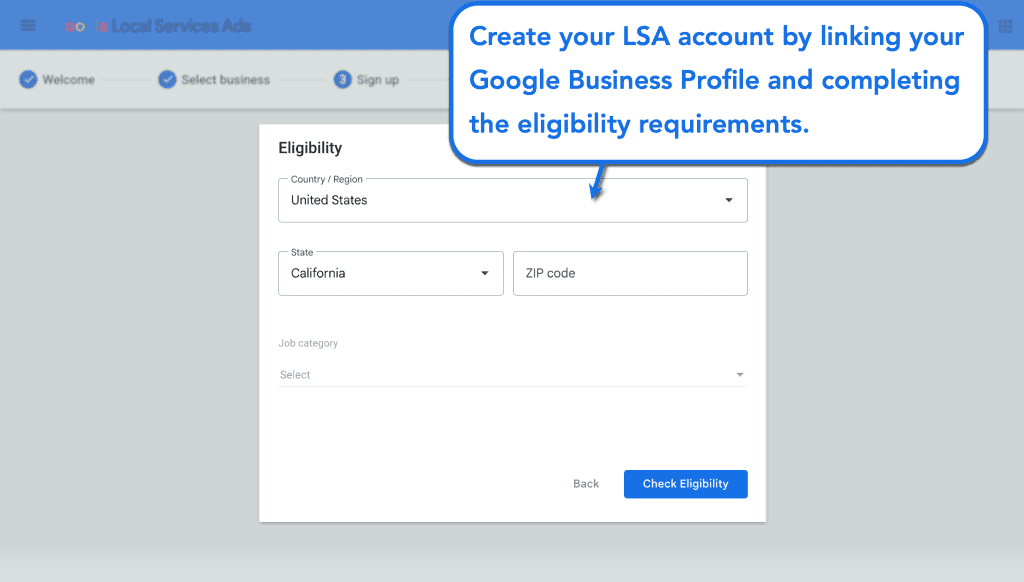
For law firms, the process includes mandatory bar license checks, malpractice insurance tracking, and verification of other essential business registration documents.
Learn more about Google’s business verification policy here.
After the verification, you’ll gain access to your dashboard where you can configure essential settings like your industry, services, billing information, and your contact information. You should also include a complete list of your certified attorney roster, along with their headshots and up-to-date bar numbers.
2. Instant Intake Response Routing
Set up immediate notification routing ensures incoming LSA calls or messages are answered in under five minutes, protecting your live responsiveness score.
This is one of Google’s heaviest ranking weights for LSA placements.
But while quickly answering the phone improves your placements, missing calls may cause you to lose out on that precious LSA screen space. As such, it’s crucial to establish a speed-to-lead protocol and keep response times to below five minutes.
- Implement automated call routing: Link your ad dashboard to a dedicated tracking line, bypassing your standard office menu and connecting directly to live intake specialists.
- Have virtual answering backups: Route unanswered calls to a 24/7 legal answering service (e.g., Smith.ai and Answering Legal).
- Automate lead data entry in your CRM: Automatically push incoming text or call data into your CRM platform via built-in webhooks, eliminating human error and manpower constraints.
- Update the Google ad status: Tell Google that you handled the call swiftly by marking the incoming prospect as “Active” in your LSA dashboard.
3. Managing the Lead Feedback Loop and Disputes
Actively auditing your dashboard to update prospect statuses and archiving invalid inquiries (e.g., out-of-jurisdiction, spam, and tire-kickers) helps train Google’s matching algorithm.
This won’t change things overnight, but it will gradually improve the quality of leads you’ll generate over time.
A good strategy is to review your daily dashboard log and mark each interaction based on your team’s consultation notes.
In the dashboard, this can be:
- Active: You responded properly and are waiting for a follow-up.
- Booked: The prospect committed and took the next step (scheduled a consultation or hired your firm outright).
- Archived: The lead was not qualified or did not convert.
In terms of disputes, businesses used to report invalid calls in order to secure a budget credit. Today, Google replaced manual disputes with an AI-powered workflow that tags wrong numbers, spam, duplicate calls, and out-of-jurisdiction callers within 72 hours of you being charged.
If the AI missed an invalid call, rate the lead as “Very dissatisfied” to trigger a review. This will also improve the AI’s ability to detect similar calls in the future.
4. Maximizing Verified Review Acquisition
Apart from your response times, consistent positive reviews also greatly affect your Google LSA rankings. This is especially true if you get “Google Verified” reviews, which come from clients who did business with you through LSA.
With the right tools, you can automatically prompt your LSA-generated clients to leave reviews on your Google Business Profile. Just be sure to pull the unique Google review link straight from your campaign dashboard, and you can start creating your workflow through your legal CRM.
The steps are usually:
- Build your review request template
- Create an automated workflow that fires once a case’s status is set to “closed”
- Schedule a gentle email reminder if the link went unclicked (double down on how their feedback helps other clients make informed decisions)
Once your workflow is up and running, periodically check your dashboard to see if recent reviews are Google-verified. A steady flow of these verified review tags tells the algorithm you’re actively closing cases, helping you rank above dormant law firms.
5. Strategic Bidding and Budget Maximization
Like with any ad platform, Google LSAs provide you with tools to stay in control of your budget.
You can go with automated settings based on your target lead volume or a strict maximum budget cap. Either way, you can accomplish the goals of avoiding overpayment while keeping your cost-per-case predictable.
We recommend starting with the automated bidding strategy to accelerate your LSA results.
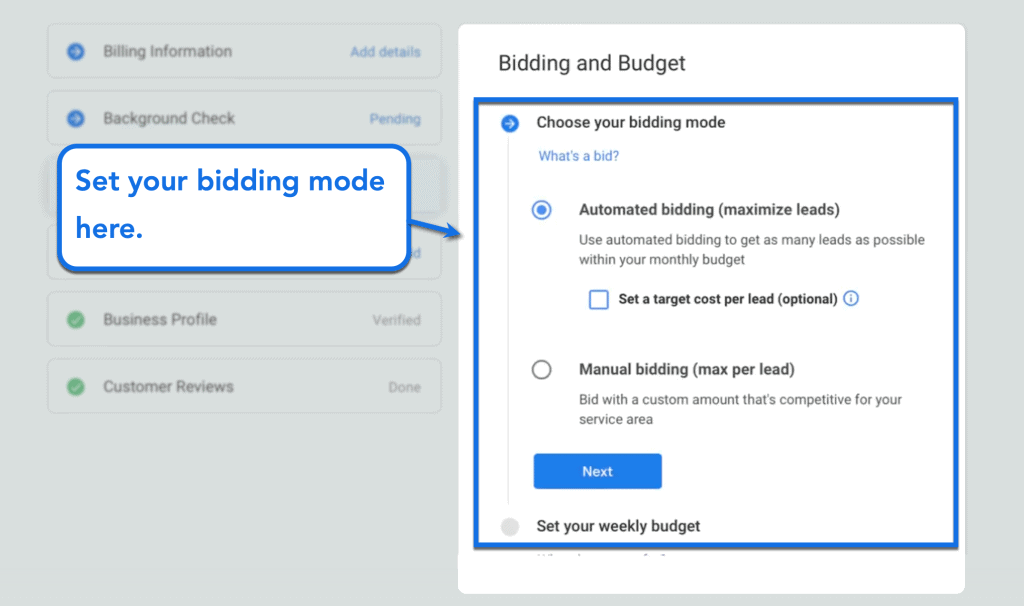
In addition, using automated bidding also allows you to acquire useful performance data that will help refine your strategy over time. Once you have at least a month’s worth of data, you can manually set a maximum budget per lead based on the amount you’re willing to pay and the historical profitability of your LSA clients.
Remember, setting a large budget doesn’t mean Google will spend it all like clockwork. Since LSAs use a PPL model, a larger cap will show your ads more frequently but without directly inflating your ad spend (unless your clicks actually convert).
6. Profile Completeness and Service Area Mapping
Your business profile, intake workflows, and bidding strategy are the primary building blocks of a rewarding LSA campaign.
But there are still a few things you need to lock in before you get started.
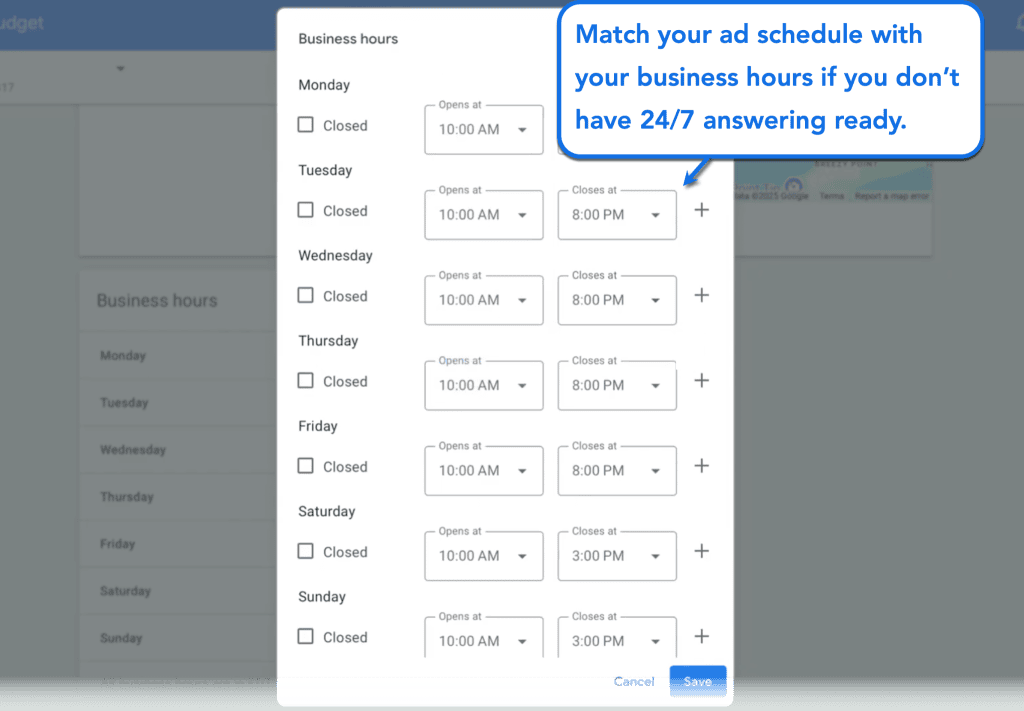
For starters, make sure to match your ad schedules with your actual business hours, especially if you don’t have a 24/7 answering service yet. This can be done from your dashboard via the “Business hours” card.
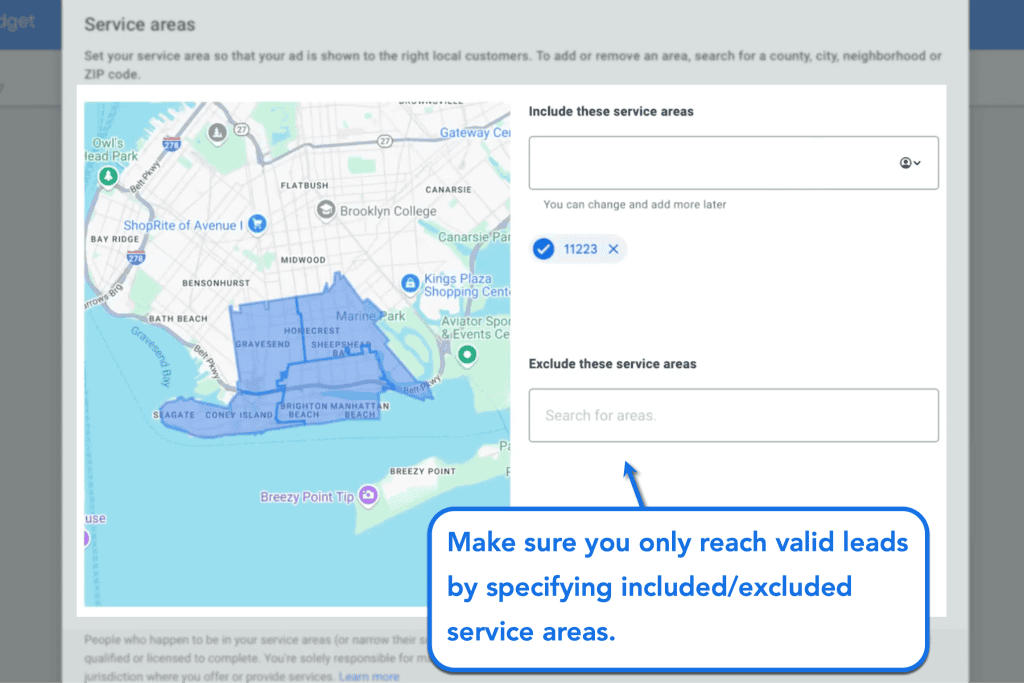
The next step is to narrow down your ad targeting by isolating your target zip codes.
This ensures your LSAs will only appear to your ideal demographics, AKA potential clients who can actually walk into your office.
In your LSA dashboard, you can do this by specifying which ZIP codes to include and exclude. Feel free to specify as many ZIP codes as you need under each category.
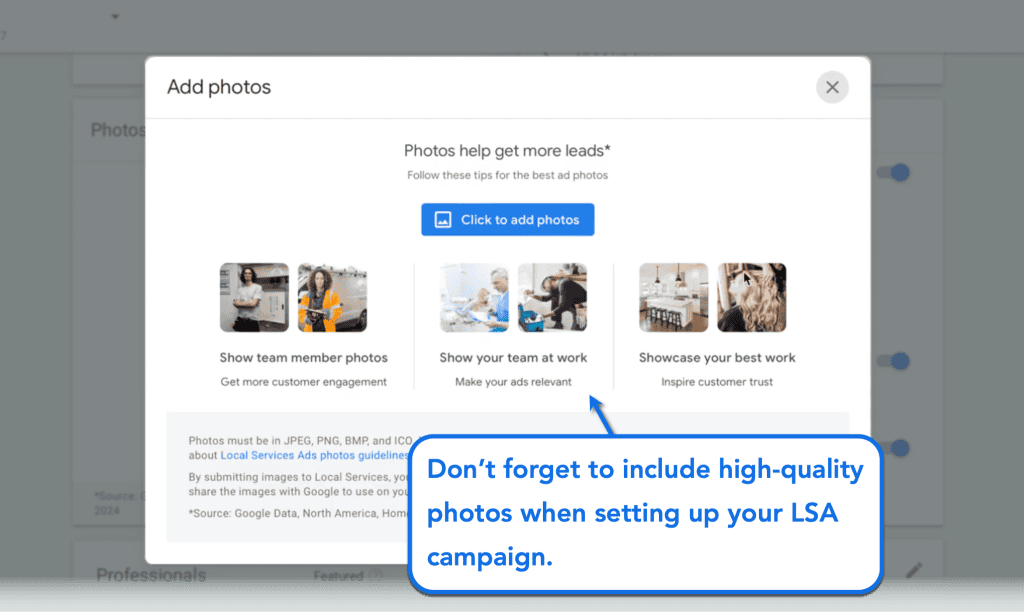
Don’t forget to include high-quality photos that showcase your legal team, your firm at work, speaking engagements, events, and other activities or milestones that add to your experiences.
Just click ‘Add photos’ in the “Photos” card on your dashboard and then hit ‘Click to add photos.’
Be sure to double-check everything to prevent positioning your ads for practice areas or business hours you don’t serve. A single wrong entry could drain your daily ad budget and result in poor client experiences, which will have a lasting impact on your LSA campaign’s performance.
Top Tools and Systems for Legal LSA Management
The base Google LSA dashboard has basically everything you need to run, manage, and optimize your campaign.
However, your success also depends on the legal tech stack you build around your firm’s digital footprint.
Here are some of the top tools that will help you make the most out of LSAs:
1. Lawmatics
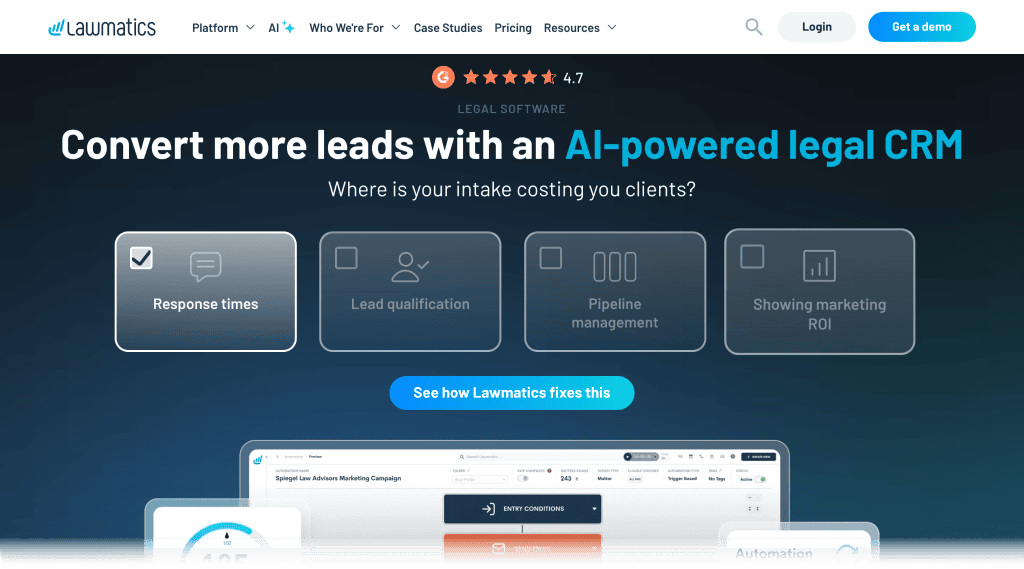
Lawmatics is a legal CRM platform with built-in integration and automation tools, allowing you to pull incoming leads directly into your database. You can set up automated SMS or email sequences to ensure potential clients remain engaged.
2. Clio Grow
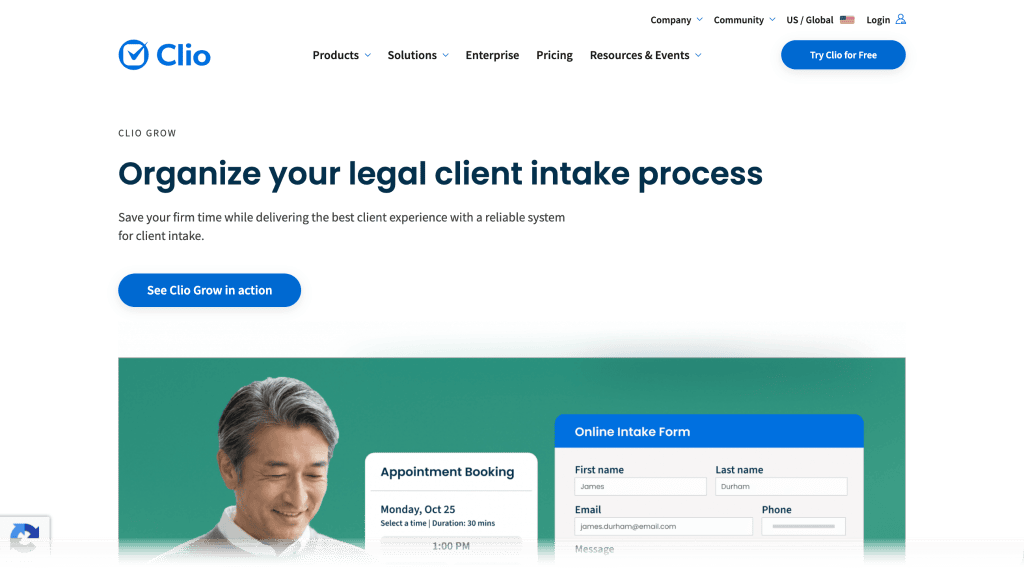
Clio Grow is a CRM platform that natively integrates with Google LSA, allowing you to launch, manage, and track your campaign in one dashboard. The moment an LSA call hits your office, the platform automatically creates a new client matter profile without manual intervention.
3. Lead Docket
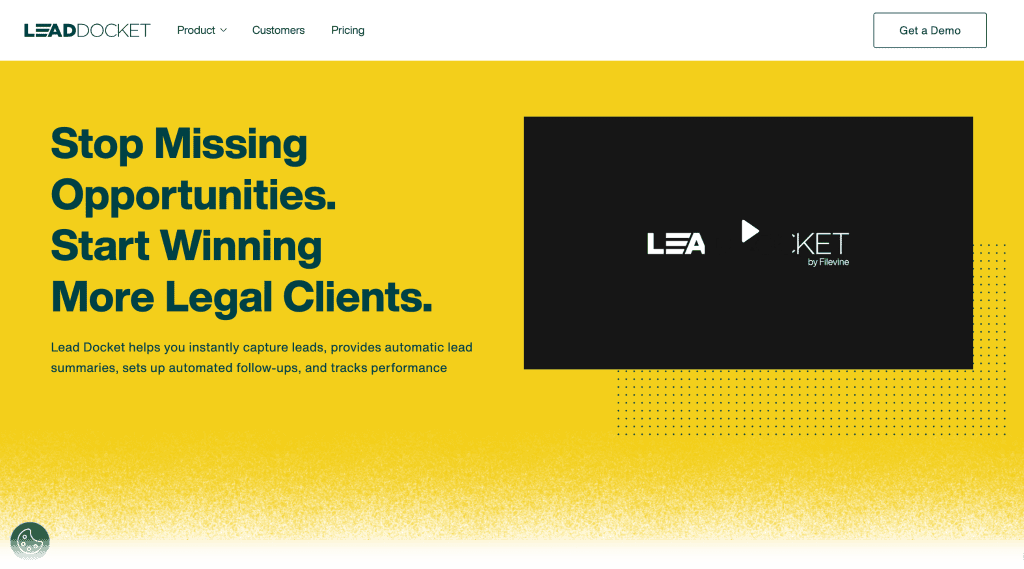
Lead Docket is an AI-powered legal intake software, providing your team with a framework for qualifying incoming calls in real time. It streamlines the lead source tracking process, making it easier for you to separate bad leads from your primary case pool.
4. CallRail
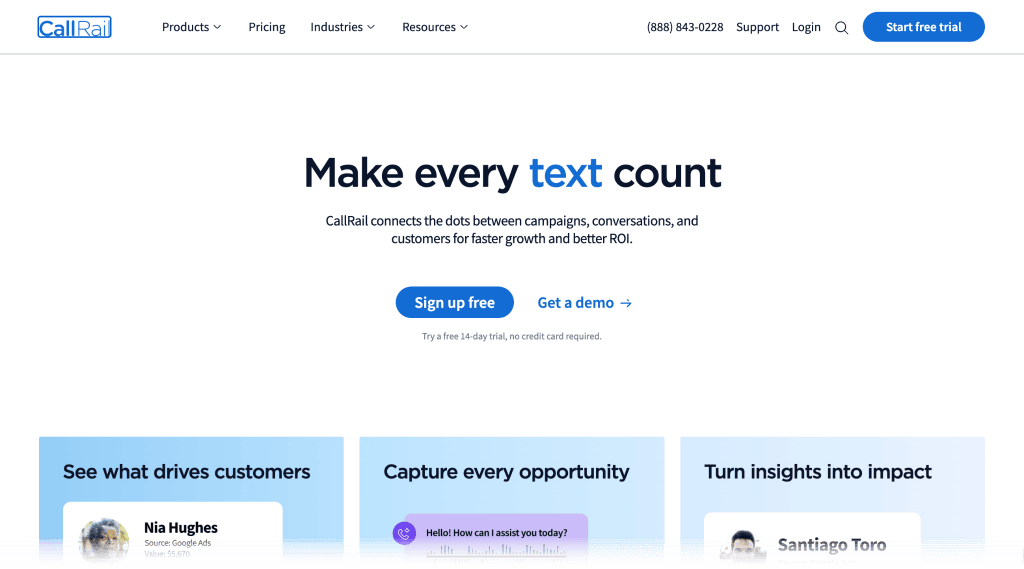
CallRail is a lead engagement and call tracking platform, also offering an AI-powered answering service to help maintain speedy response times. Use it to obtain call quality data coming from your ads and refine your strategy over time.
5. Smith.ai
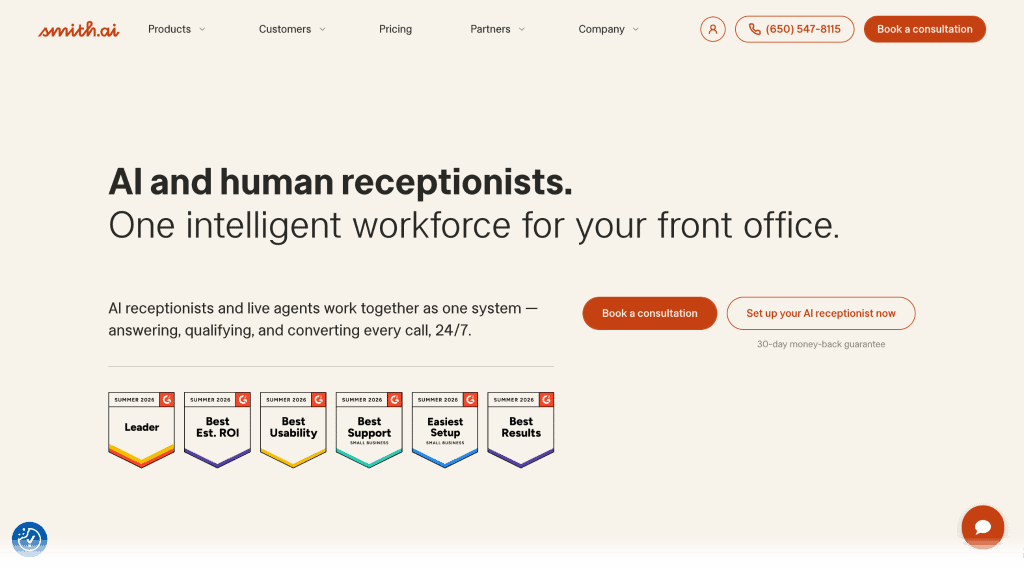
Smith.ai reinforces live agents with AI receptionists to guarantee quick response times for your Google LSA leads. This significantly widens your available hours, ensuring no high-value lead slips through the cracks.
6. Zapier
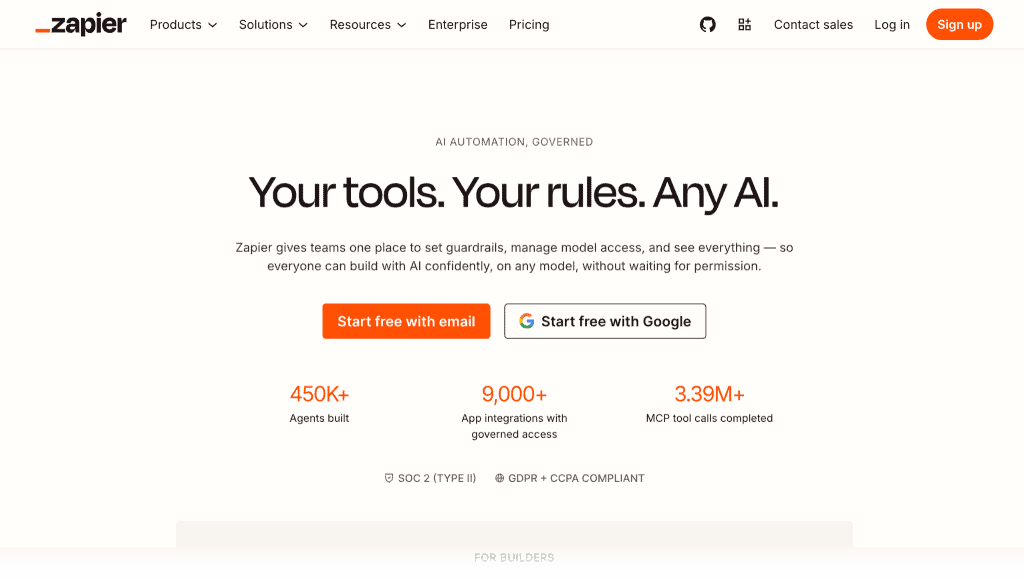
Zapier is an automation tool that serves as a middleware between two services. This allows you to create automated workflows by defining one app action as a trigger while the other executes a response (i.e., creating a CRM contact from a Google Ads lead).
7. ActiveCampaign
ActiveCampaign is a robust marketing automation solution, featuring a comprehensive email automation toolkit for scheduling review request emails and follow-ups. It connects to middleware like Zapier, allowing you to build seamless workflows with your CRM and other legal marketing tools.
Common Mistakes Law Firms Make with Local Services Ads
With Google LSAs, a single oversight can lead to a drop in campaign performance.
Make sure you’re aware of the common mistakes listed below before you launch your LSA campaign:
- Treating the “Google Verified” badge as the only differentiator: The “Google Verified” badge is merely a baseline that indicates you’re ready for LSAs. What will actually dictate your campaign performance are your intake speed, operational metrics, and recent reviews.
- Siloing ad tracking away from primarily legal CRMs: While Google Ads has its own analytics and reporting tools, it’s important to create a centralized reporting ecosystem to prevent blind spots. Ideally, your lead data should be synchronized and compiled within your legal CRM or case management software.
- Ignoring direct pipeline links for verified reviews: The LSA algorithm prioritizes platform-vetted reviews. Be sure to initiate your review requests through your LSA dashboard or by using your Google Business Profile review link.
- Sticking blindly with automated volume-based bidding: The automated bidding approach works best for the first 30-60 days of your campaign, enabling you to quickly gain traction and generate historical performance data. Just remember that setting a maximum bid cap is a crucial step for getting complete control over your acquisition budget.
- Allowing incoming calls to drop to voicemail: Neglecting live phone answering and letting calls drop to voicemail can be disastrous to your LSA rankings. Unless you have a 24/7 answering solution, be sure to specify your business hours in your LSA dashboard.
- Ignoring the lead status dashboard: Don’t leave phone leads with the “New” status and update them as soon as possible. This not only tells the algorithm that you’re actively handling cases, but also helps your intake team through better organization.
- Selecting broad job types: Avoid selecting generic practice areas in your profile settings. Make sure you only use specific job types to attract leads who need your exact legal services.
Google LSA Ethical Considerations for Law Firms
- ABA Model Rule 7.2(b): Ensure your pay-per-lead cost structures comply with strict anti-fee-splitting and referral compensation rules across different jurisdictions.
- Truthful Advertising (Rule 7.1): Verify that your advertised availability, office locations, and practice descriptions are 100% accurate and non-misleading.
- Confidentiality risks with automated call recording: Manage the ethical implications of Google’s native LSA call recording features regarding attorney-client privilege during initial intake conversations.
- Jurisdictional boundaries: Ensure your targeted ZIP codes do not accidentally solicit clients in bordering states where your firm’s attorneys are not actively licensed to practice.
Optimize Your Legal Intake Pipeline Today
Winning the LSA market isn’t about who has the biggest budget.
It is about who has the most efficient legal intake setup.
The law firms that land the best local cases are those that consistently treat every lead as a live priority. If you want to claim Google’s most profitable screen real estate for local leads, lock in your CRM software, answer every call immediately, and commit to a highly satisfactory client experience from start to finish.
Ready to scale your firm’s local case volume?
Reach out to us here and request a comprehensive LSA competitive analysis and operational intake audit from our legal growth team.
Related Post
-

Google Ads vs LSAs for Law Firms: What’s the Difference & Where to Spend Your Budget
Paid search sounds simple until you’re actually running it. Costs climb, competitors bid up the same keywords, and a budget could disappear fast without a… -

9 Best Law Firm PPC Companies in 2026
Hiring a law firm PPC agency isn’t easy. Plenty of firms are all too familiar with the headache of trusting the wrong people. It often… -

How to Create Effective PPC Strategies for Your Law Firm in 8 Steps
Is your law firm struggling to get the right clients in today’s competitive digital landscape? With over 87% of all law firms across the country…